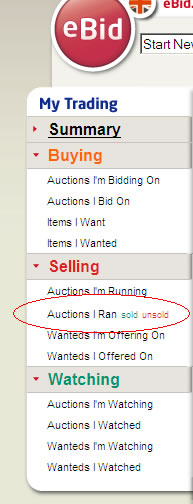
1 Login
into your account at http://uk.ebid.net
and click on the sold link on the left hand
side (shown below):
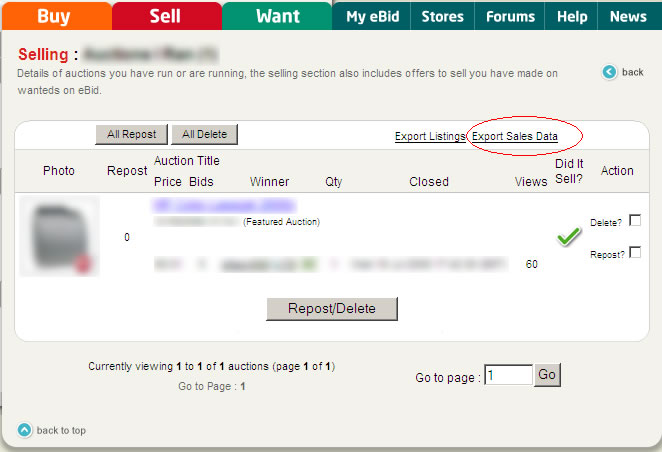
2 Select
the orders to retrieve and click on the Export Sales Data link (shown below):
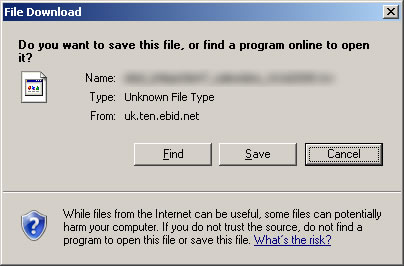
3 Select
Save (shown below) and save the file to C:\Downloads.
You are now ready to import the orders into One Stop Order Processing.